A warehouse audit should reveal more than a damaged guardrail or an expired inspection record. It should show where people, forklifts, trucks, and stored goods are likely to conflict before an incident occurs. The top warehouse safety audit tools help safety and operations teams turn daily observations into clear evidence, accountable actions, and lasting risk reduction.
For busy facilities, the challenge is not a lack of safety checklists. It is connecting inspection findings to the way work actually happens during peak receiving, order picking, loading, and shift changes. The most useful tools make hazards visible, prioritize controls, and confirm that corrective work has been completed.
What a Warehouse Safety Audit Tool Should Do
An effective audit tool is not simply a form on a tablet. It should help teams inspect conditions consistently, capture evidence at the point of risk, assign actions to the right person, and identify recurring patterns across shifts or locations.
This matters because warehouse hazards are rarely isolated. A near miss between a forklift and a pedestrian may involve poor aisle design, blocked sightlines, unclear right-of-way rules, inadequate warning systems, or pressure to move faster. An audit process that records only “operator error” misses the controls that could prevent the next event.
The right mix of tools depends on the facility. A small warehouse with a few lift trucks may need disciplined digital inspections and a strong traffic review. A high-throughput distribution center may also benefit from data-driven monitoring, loading bay controls, and technology that detects unsafe interactions in real time.
7 Top Warehouse Safety Audit Tools to Consider
1. Digital Inspection and Checklist Platforms
Digital inspection platforms replace paper forms with structured checks that can be completed on a phone or tablet. They are particularly useful for daily forklift pre-use checks, aisle condition inspections, dock checks, racking observations, and weekly supervisor walk-throughs.
Their value is consistency. Required fields, photo capture, time stamps, and predefined risk categories make it harder for critical items to be skipped or recorded vaguely. A finding such as “damage to rack upright at Bay C12” can include an image, severity rating, temporary control, and assigned owner.
Choose a platform that supports offline use, action tracking, escalation, and reporting by area or hazard type. A digital form that merely stores completed checklists is better than paper, but it will not help managers see whether the same issue keeps returning.
2. Mobile Hazard Reporting Tools
Not every hazard appears during a scheduled audit. A pallet left in a pedestrian route, a failed warning light, or a truck restraint issue may be noticed by the employee closest to the work.
Mobile hazard reporting tools give employees and supervisors a simple way to submit a photo, location, description, and risk level. The best systems reduce friction. If reporting takes too long, people will wait until the end of a shift or assume someone else will handle it.
For reporting to improve safety rather than create an inbox of unresolved observations, establish response expectations. High-risk findings should trigger immediate isolation or escalation, while lower-risk items should have realistic due dates and closure verification. Reporting volume alone is not a success measure. The quality and speed of corrective action are what matter.
3. Forklift and Pedestrian Traffic Assessment Tools
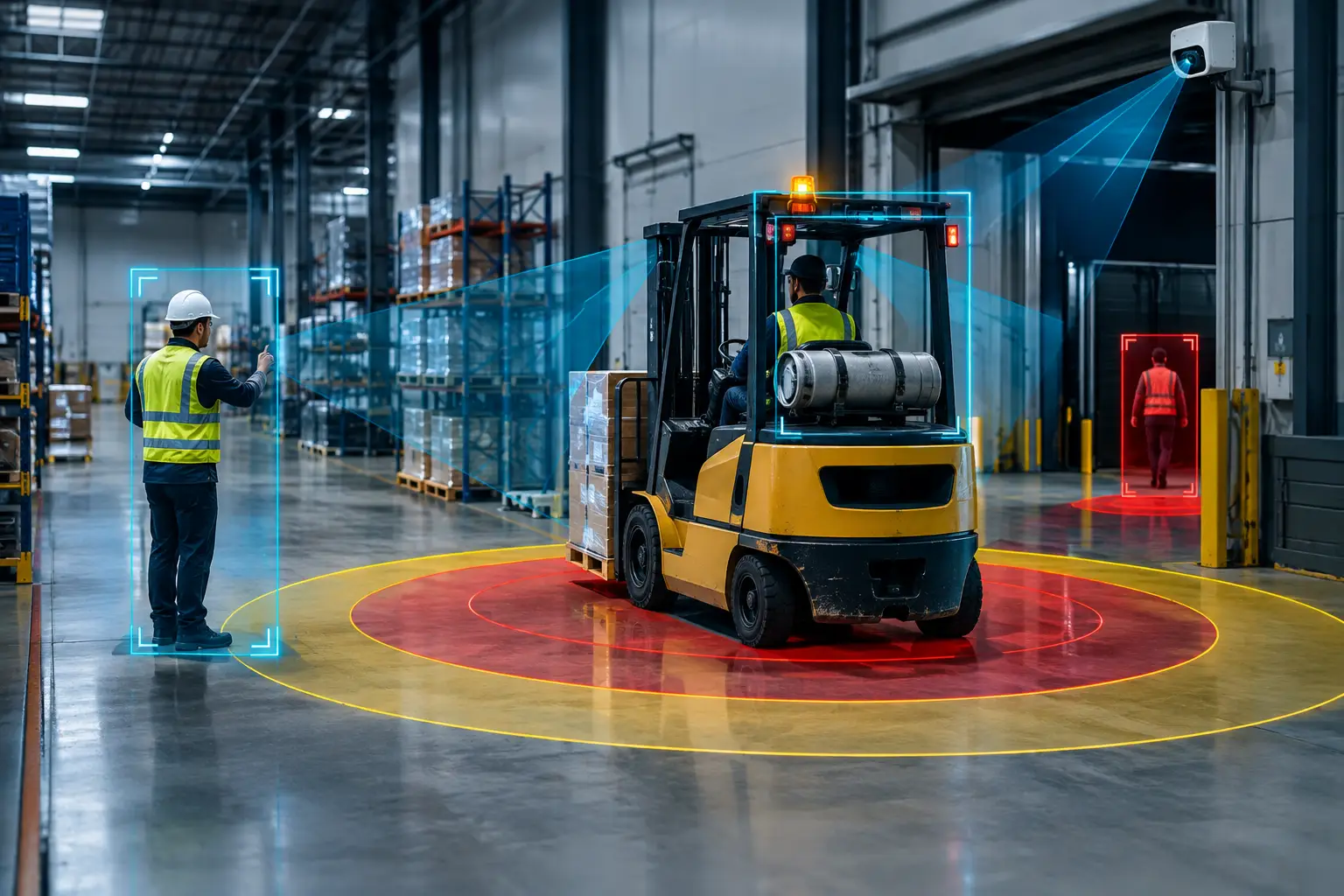
Forklift-pedestrian interaction is one of the most serious and persistent warehouse risks. A traffic assessment tool helps auditors examine travel routes, crossing points, blind corners, staging areas, speed behavior, and separation between people and moving equipment.
This may include route-mapping templates, observation sheets, floor-plan markups, and traffic-flow analysis. The goal is to identify where the physical layout and daily operating behavior create exposure. For example, a marked pedestrian walkway offers limited protection if it runs through a busy pallet staging zone or crosses a reversing route without warning controls.
Audits should consider whether controls match the level of risk. Floor markings may be suitable for low-conflict areas, while physical barriers, gated crossings, proximity warnings, projected signals, or speed management may be necessary where vehicle and foot traffic regularly converge.
4. Vision AI Safety Monitoring
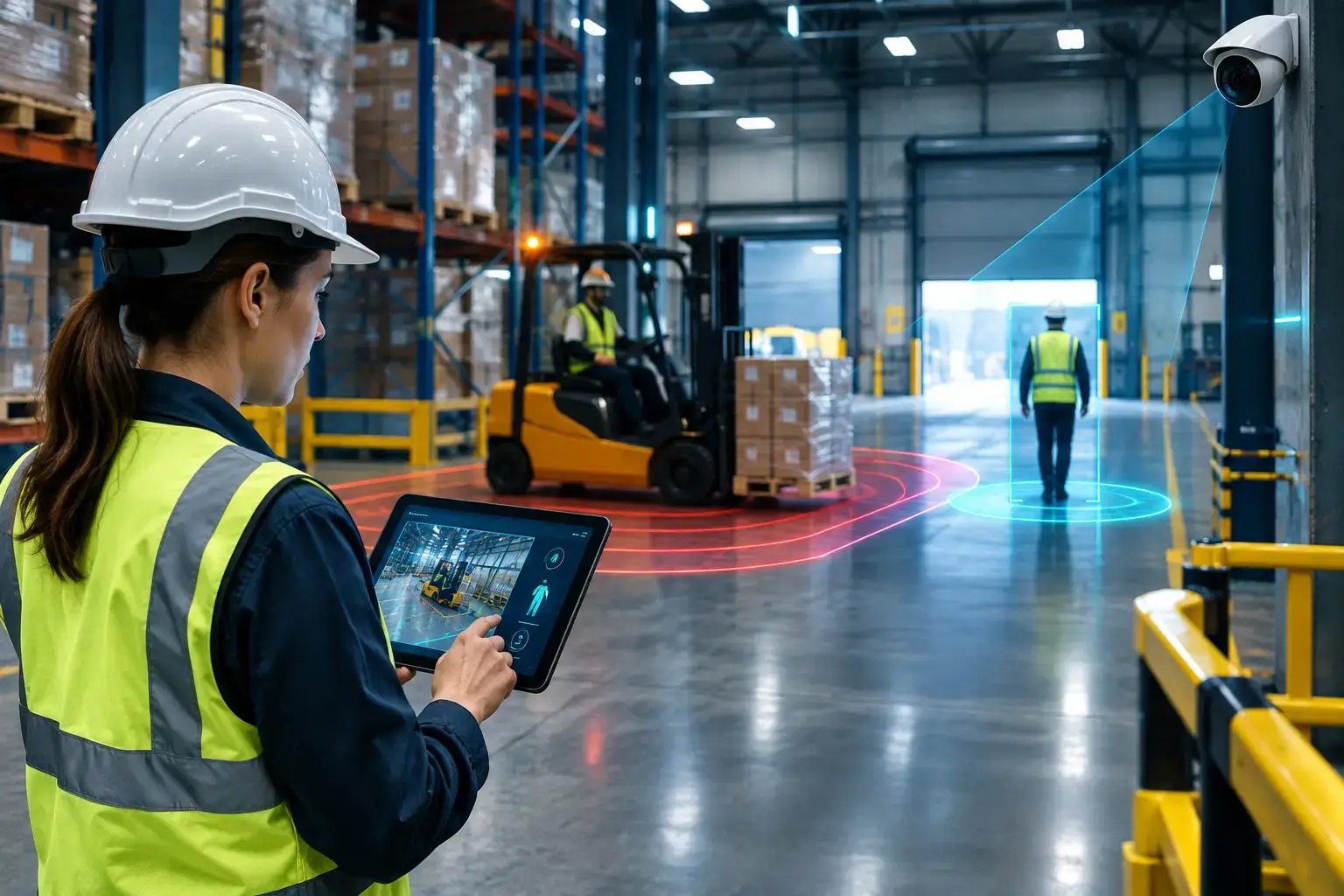
Vision AI safety monitoring can extend the audit beyond occasional observations. Cameras configured for industrial safety applications can identify defined events or unsafe conditions, such as people entering restricted vehicle zones, forklifts operating near pedestrians, blocked exits, or congestion at critical intersections.
This is not a substitute for competent site leadership. Its strength is scale and repeatability. A supervisor cannot watch every aisle, dock, and shift, but trend data can reveal where risk concentrates and when controls are not being followed.
Implementation requires care. Teams should define the safety scenarios they want to monitor, establish how alerts will be reviewed, and make sure the technology supports practical corrective action. Starting with one high-risk area, such as a blind intersection or loading zone, often produces clearer lessons than attempting a facility-wide rollout immediately.
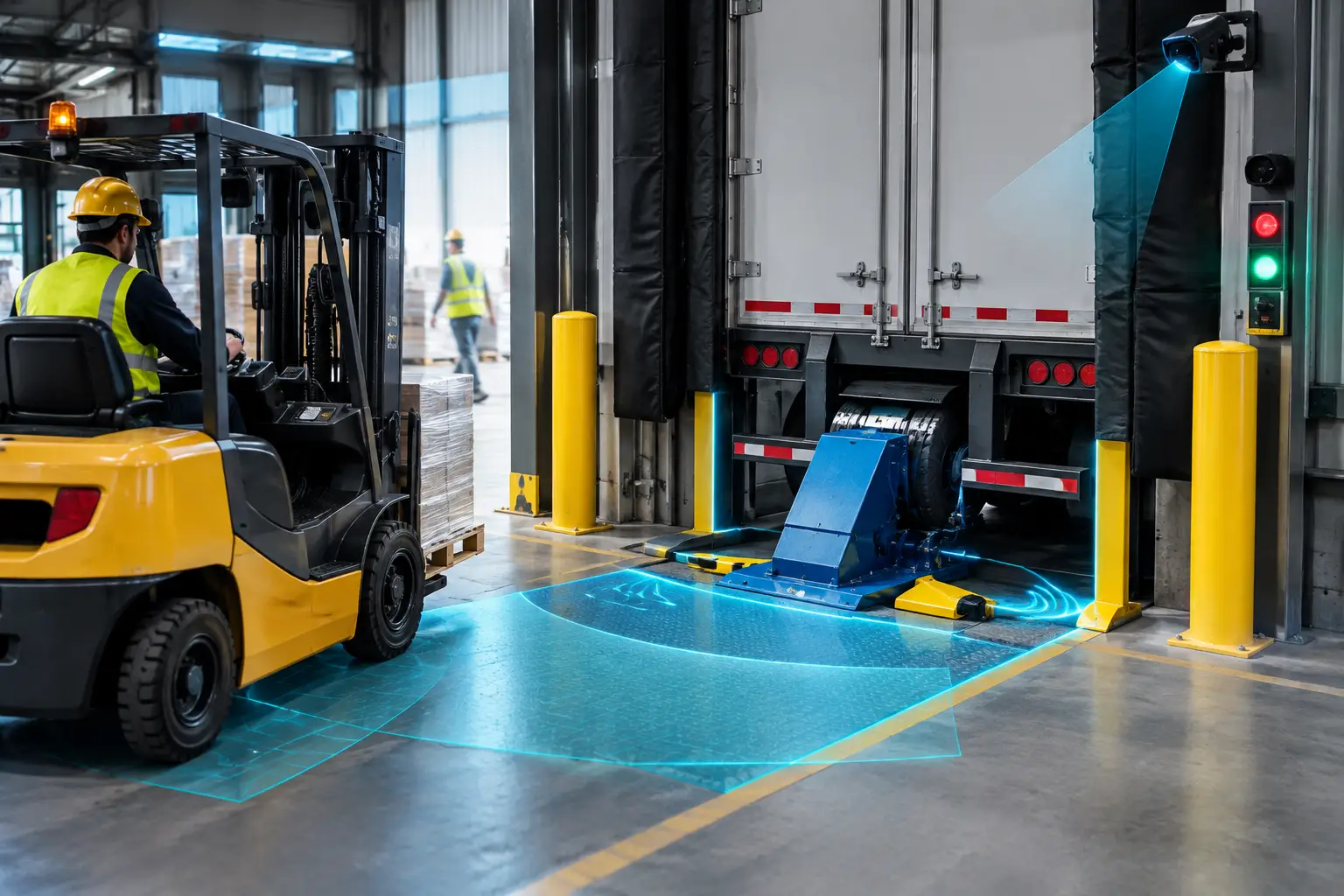
5. Loading Bay and Dock Safety Inspection Tools
Loading bays combine vehicle movement, changing floor levels, trailer access, pedestrian activity, and time pressure. An audit tool for this area should assess more than housekeeping and dock condition.
It should verify the condition and use of vehicle restraints, dock doors, trailer status indicators, wheel chocks where applicable, communication procedures, edge protection, and pedestrian exclusion zones. It should also examine the sequence of work. A restraint system is only effective when operators can clearly verify that the vehicle is secured before loading begins.
Audit findings at the dock should lead to operational controls, not just maintenance requests. If drivers, warehouse staff, and dispatch teams follow inconsistent handover steps, even well-maintained equipment may not prevent a premature vehicle departure.
6. Rack Protection and Storage Condition Assessments
Storage systems are exposed to repeated contact from forklifts, pallets, and material-handling equipment. A rack inspection tool helps teams document damaged uprights, beams, bracing, anchors, load signage, pallet overhang, and unauthorized modifications.
The tool should support a clear process for classifying damage and preventing continued use of affected areas when necessary. Photos and location references are essential because a verbal report of “rack damage near receiving” can be difficult to act on in a large facility.
This assessment should also look upstream. Repeated rack damage may indicate narrow aisles, poor visibility, inadequate rack-end protection, unsuitable truck routing, or gaps in operator training. Replacing a damaged component without addressing the collision source invites repeat damage and avoidable downtime.
7. Corrective Action and Safety Analytics Dashboards
The final tool is the one that connects every audit finding to closure. Corrective action dashboards show what is open, overdue, recurring, or high risk. They help managers move from isolated inspections to a preventive safety program.
Useful dashboards categorize findings by location, hazard type, severity, responsible department, and closure time. This makes patterns visible. If multiple audits identify blocked pedestrian routes in the same area, the solution may be a redesign of staging capacity rather than repeated reminders to keep aisles clear.
Do not let the dashboard become a reporting exercise. Review leading indicators alongside operational changes: near-miss reports, repeat findings, equipment damage, traffic conflicts, and response time for critical hazards. The purpose is to verify that risk is decreasing, not simply that more forms are being completed.
How to Build an Audit Process That Produces Action
Begin with the highest-consequence interactions in your operation: forklifts and pedestrians, reversing vehicles, loading bays, racking, and congested transfer points. Walk the site during real operating conditions, not only when it is quiet. Observe peak movement, shift handovers, and temporary overflow areas where normal controls may weaken.
Then define who owns each action and what closure looks like. A completed action should mean the control is installed, tested, communicated to affected teams, and checked for effectiveness. For example, repainting a crossing is not sufficient if pedestrians still enter a forklift route without a physical or visual warning system.
Finally, review audit trends with operations, engineering, and maintenance together. Safety controls work best when they support productive work instead of relying on people to work around an impractical layout. SysGuard’s approach to industrial safety starts from that operational reality: identify the exposure, apply controls proportionate to the risk, and verify that they perform under daily conditions.
Every worker deserves to return home safely every day. The most valuable audit tool is the one that helps your team act early, correct the real cause of risk, and prevent the next incident from becoming part of the shift.